How to turn a nail-art reference into a clear design brief
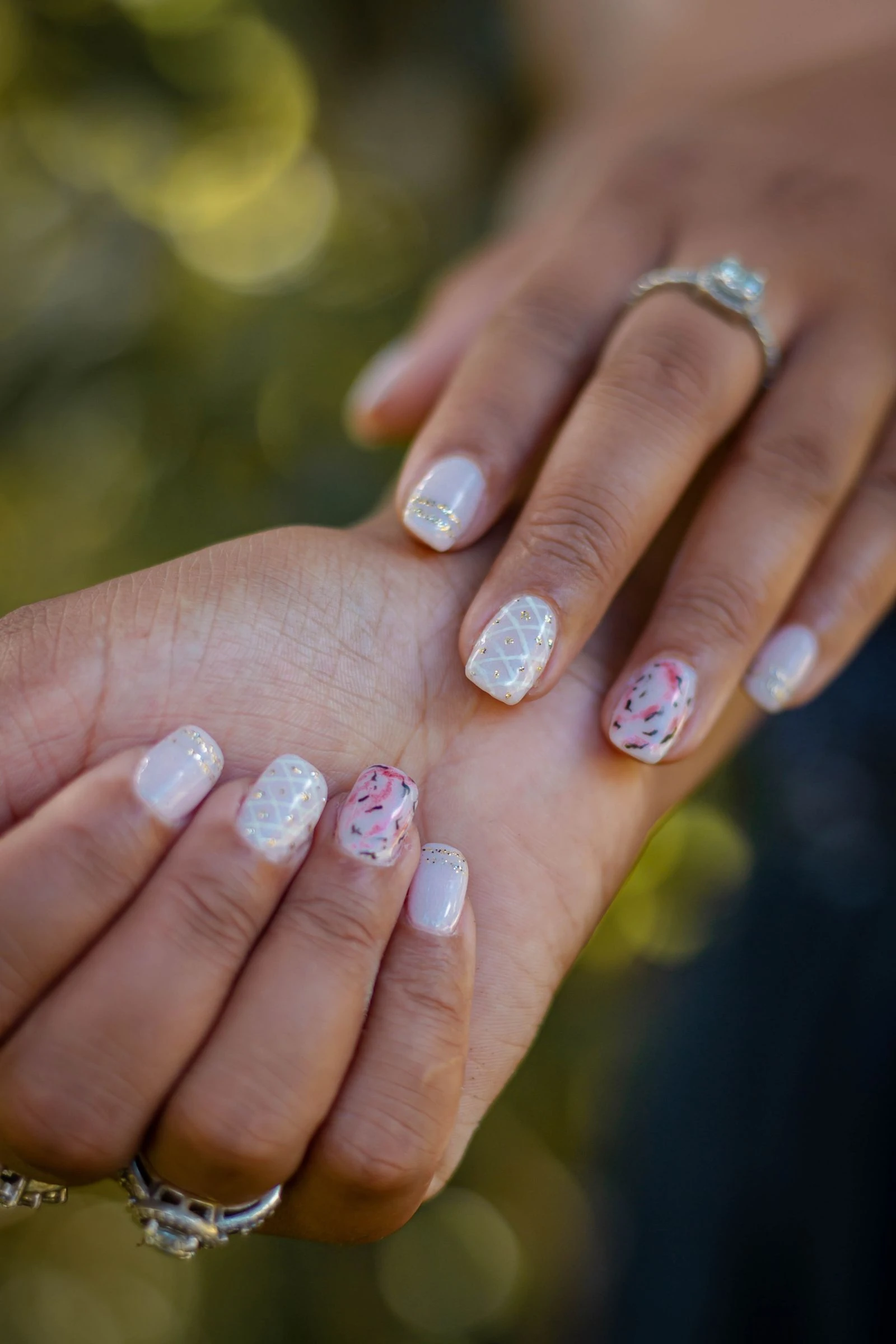
A design brief records the visible result you want to discuss before choosing an application method. Separate colour palette, placement, coverage and finish. A reference photo supports the conversation, but a short written specification makes the choices clearer.
KEY TAKEAWAYS
- Record colours and placement separately.
- Distinguish a mood from a specified palette.
- Keep the visual brief separate from product instructions.
Choose the palette
Adobe Color provides tools for creating colour palettes and extracting colours from an image. For a nail brief, record the selected colours and their reference separately from mood words such as “soft” or “summer”. Digital colour values identify a graphic proposal rather than guarantee a physical coating match. [1]
Map the composition
On a paper outline, mark accents, quiet areas and any transition direction. Record whether a motif repeats across the set and how large it should appear relative to the outline. This uses general design concepts rather than a universal rule for attractive nails. In the proposed example below, the background field records colour and coverage; surface effect records finish. For repeated motifs, also record the gaps between them. [2]
A filled visual brief
An illustrative filled brief is: palette—pale pink and dark green; background—translucent pink; accent—ring finger only; motif—one green leaf, one-third of the outline’s height; position—centred; direction—towards the tip; other nails—plain pink; surface effect—glossy. Attach a marked paper sketch and leave the exact physical shade match open until a named swatch is selected. These are proposed visual choices, not application instructions or a record of a completed service.
Save one agreed version
Choose one sketch, label its version and date, and list the remaining open choices. If the palette changes later, keep the previous brief and record the change. This makes the visual decision traceable before a separate product-system or technical-method decision is made.
Article Sources
- Adobe — Color Palettes & Themes
Educational reference material
FAQ: a palette is a set of colours, while a theme expresses mood or style. Extract palette and Create your own color palette describe obtaining colours from an image. Digital-design vocabulary and an offered feature, not physical coating matches or a NailWiki tool test.
- Adobe — Understanding the Basic Principles of Graphic Design
Educational reference material
White Space or Negative Space: separation and emphasis; Scale and Proportion: relative element sizes; Emphasis and Hierarchy: visual priority; Repetition and Pattern: repeated elements. General graphic-design principles, not nail-product or clinical evidence.
Article date:
Written and reviewed with AI assistance using the linked sources. No hands-on product testing or independent specialist review was performed.
Commercial resource from our ecosystem
Professional nail materials and tools with NailMarket.eu — a shop in our ecosystem.
NailWiki, BELOM, NailMarket, BELOM App and NaNails are projects of BELOM Group OÜ, as identified by the owner. Molokom catalogue images are supplied through our NaNails shop; this commercial relationship is not independent product-test evidence.