How to build a swatch catalogue that stays traceable
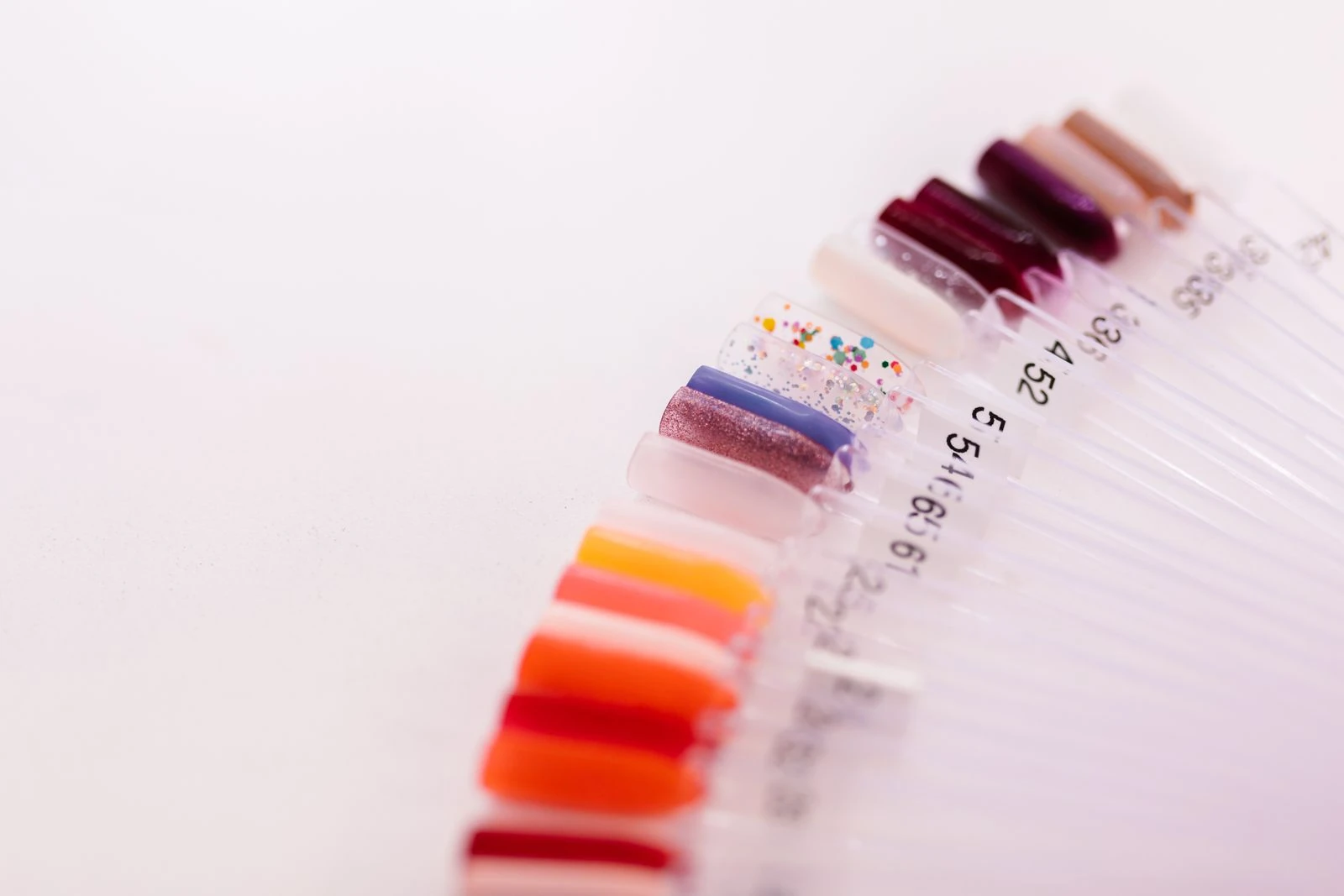
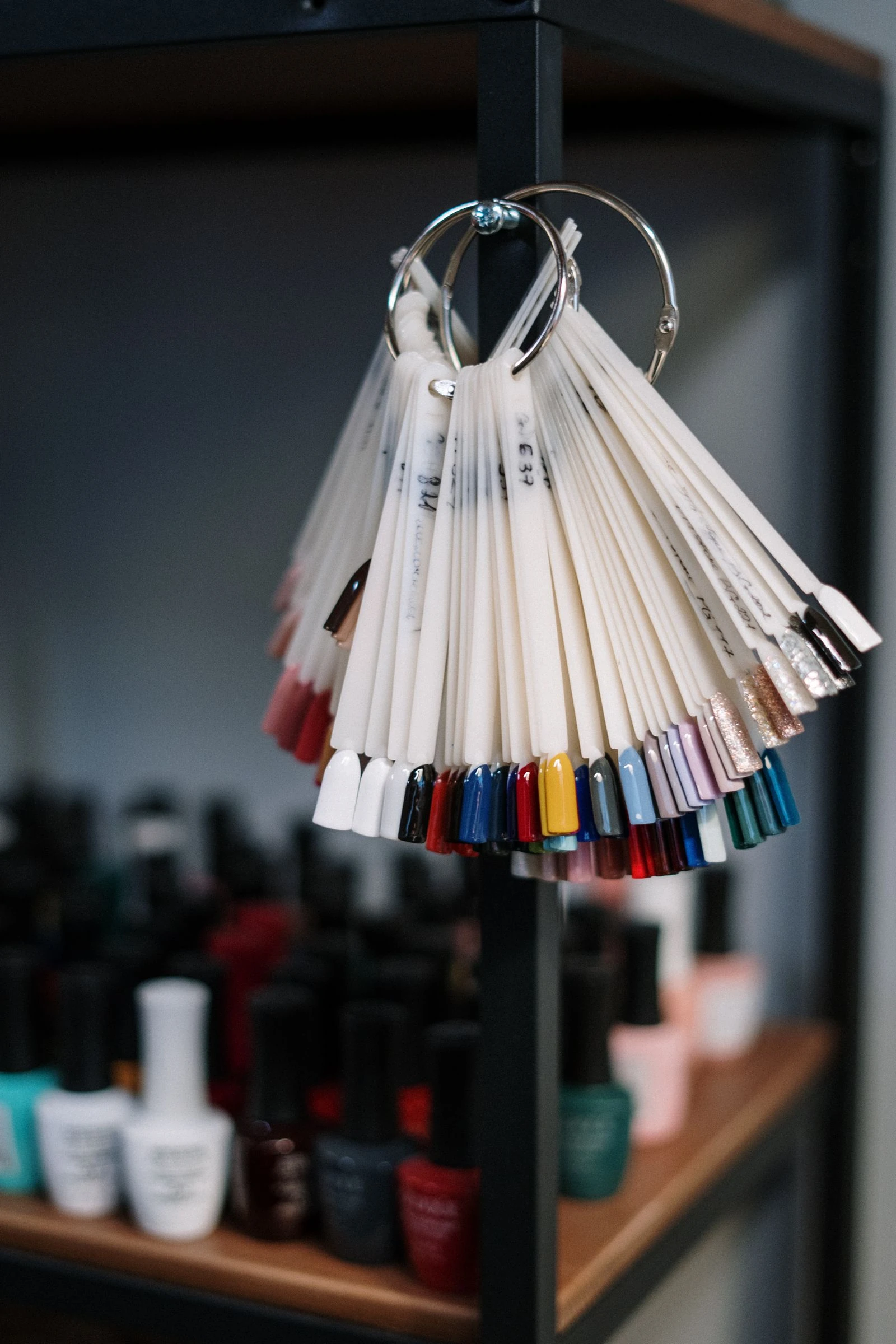
A swatch catalogue connects a finished colour sample to its product and observation record. Give each sample a stable identifier before arranging it by colour. Display order may change; the sample’s identity should remain traceable.
KEY TAKEAWAYS
Identify each finished sample
Give each finished sample a stable ID and link it to the label record. Complete the identity fields in the full catalogue below. This guide organises already completed samples and does not prescribe how to prepare, apply or cure a coating.
Describe what was observed
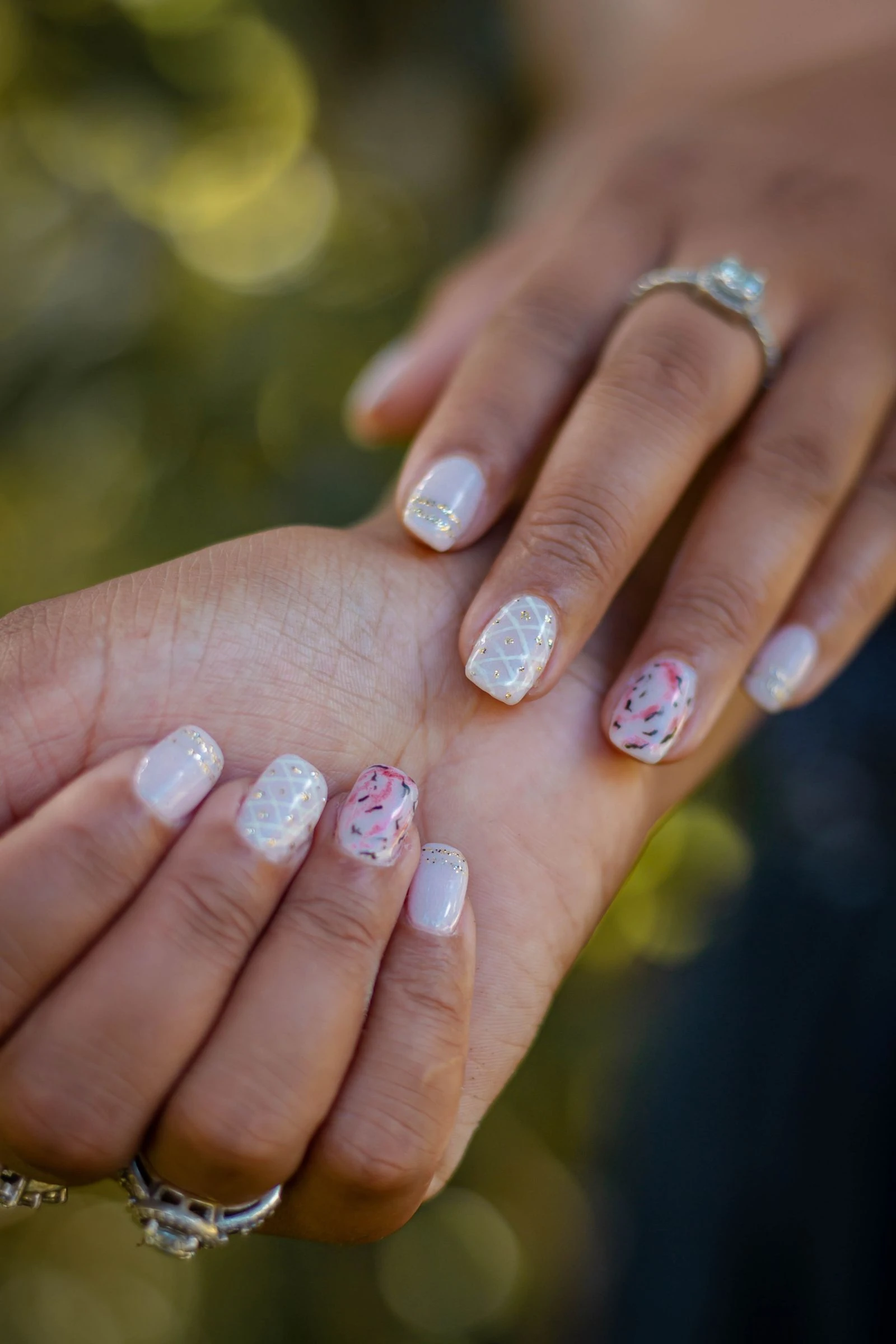
Next fill the observation fields in that same catalogue row and the photo fields when an image accompanies the sample. Adobe explains why lighting and white balance matter to product images. Keep an original photograph and record edits rather than presenting every image as an exact colour match. [2]
Can lacquer and gel share a shade name?
Yes. OPI lists the shade under separate “Bubble Bath® Nail Lacquer” and “Bubble Bath® Gel Nail Polish” headings. Give each finished sample its own ID and product-line field, even when the shade name matches. A common name connects the search entries; it does not establish identical formulas, coverage or colour under every observation condition. [1]
Complete the catalogue record and arrange the display
Use one complete catalogue row with these columns: sample ID; brand; product system; exact product line; shade name; shade code; variant; label-record link; observation date; background; visible coverage; observed finish; original photo file; photo setup; photo edits. Here, background means the backing seen behind the finished sample during observation; name it, or mark it not recorded. Mark unavailable identity values “unknown”. If no photo exists, mark the photo fields “not photographed”; if it is unedited, record edits as “none”. Sort by the recorded shade name or observed finish without changing the ID. If you replace a sample or update its photo, add a new dated observation rather than overwriting the old one without a record.
Article Sources
- Adobe — Tips & tricks for e-commerce product photography
Educational reference material
Lighting, camera/lenses and workflow sections: white balance, repeated angles and original/edited files. Conflicting displayed dates and URL leave the exact publication date unconfirmed.
Written and reviewed with AI assistance using the linked sources. No hands-on product testing or independent specialist review was performed.
Commercial resource from our ecosystem
Professional nail materials and tools with NailMarket.eu — a shop in our ecosystem.
NailWiki, BELOM, NailMarket, BELOM App and NaNails are projects of BELOM Group OÜ, as identified by the owner. Molokom catalogue images are supplied through our NaNails shop; this commercial relationship is not independent product-test evidence.